


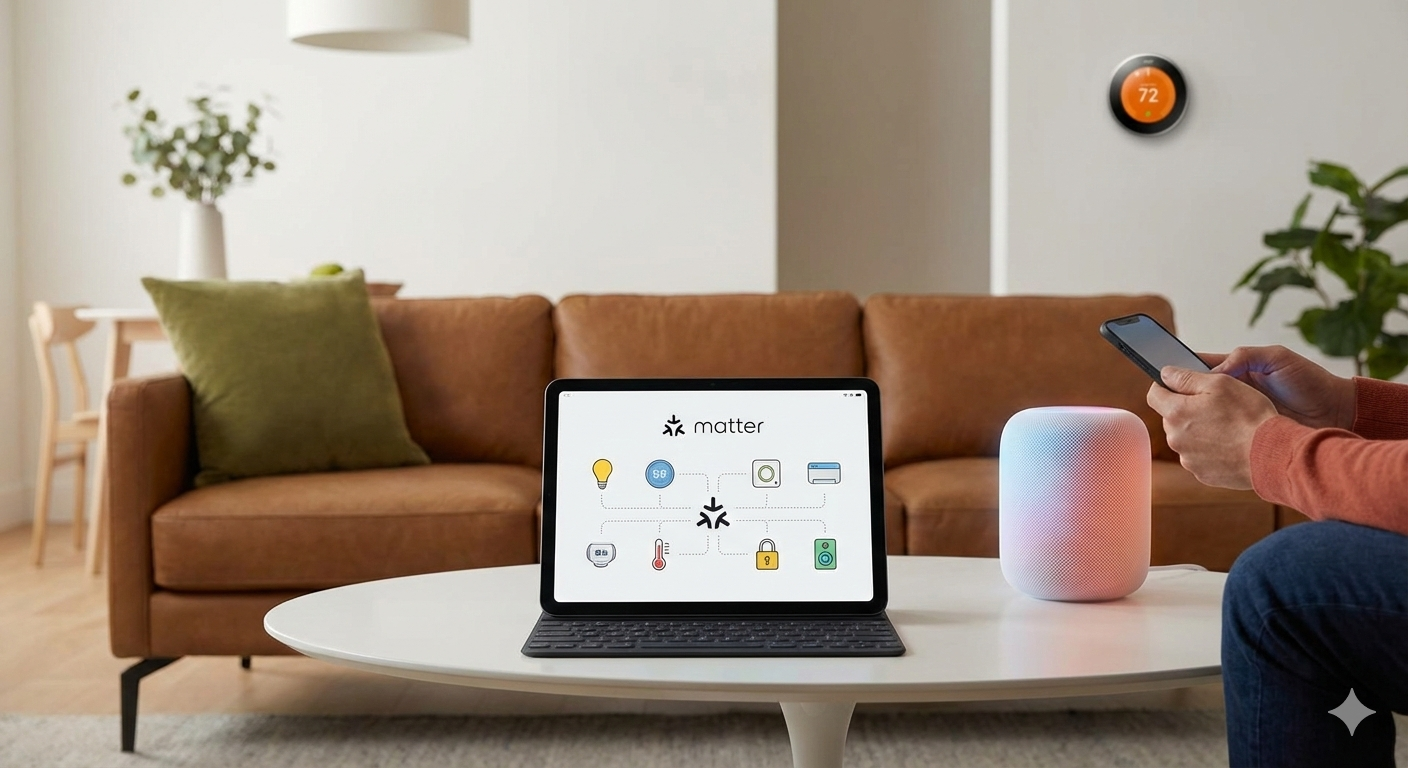
Matter smart home standard is changing how smart devices talk to each other, making home automation much simpler for everyone. If you’ve ever been frustrated by incompatible gadgets or confusing setup apps, Matter is designed to solve these issues—yet there are still real limitations every homeowner should know.
Key Takeaways
- Matter is a universal smart home standard quickly gaining market value, but support for new devices in 2024 varies between brands and devices.
- Most real-world challenges occur when mixing Matter and legacy non-Matter devices, especially around compatibility, app control, and advanced automations.
- Despite industry growth, users should expect upgrade costs, technical hurdles, and some features that lag behind closed ecosystem hubs.
The Core Concept
Matter is an open-source smart home standard developed to fix the fragmented smart device ecosystem. Instead of juggling different apps and integrations for each device, you get a unified protocol supported by giants like Apple, Google, Amazon, and Samsung. Matter aims to let you set up and run smart lighting, thermostats, sensors, and more—seamlessly, securely, and with guaranteed cross-brand compatibility.
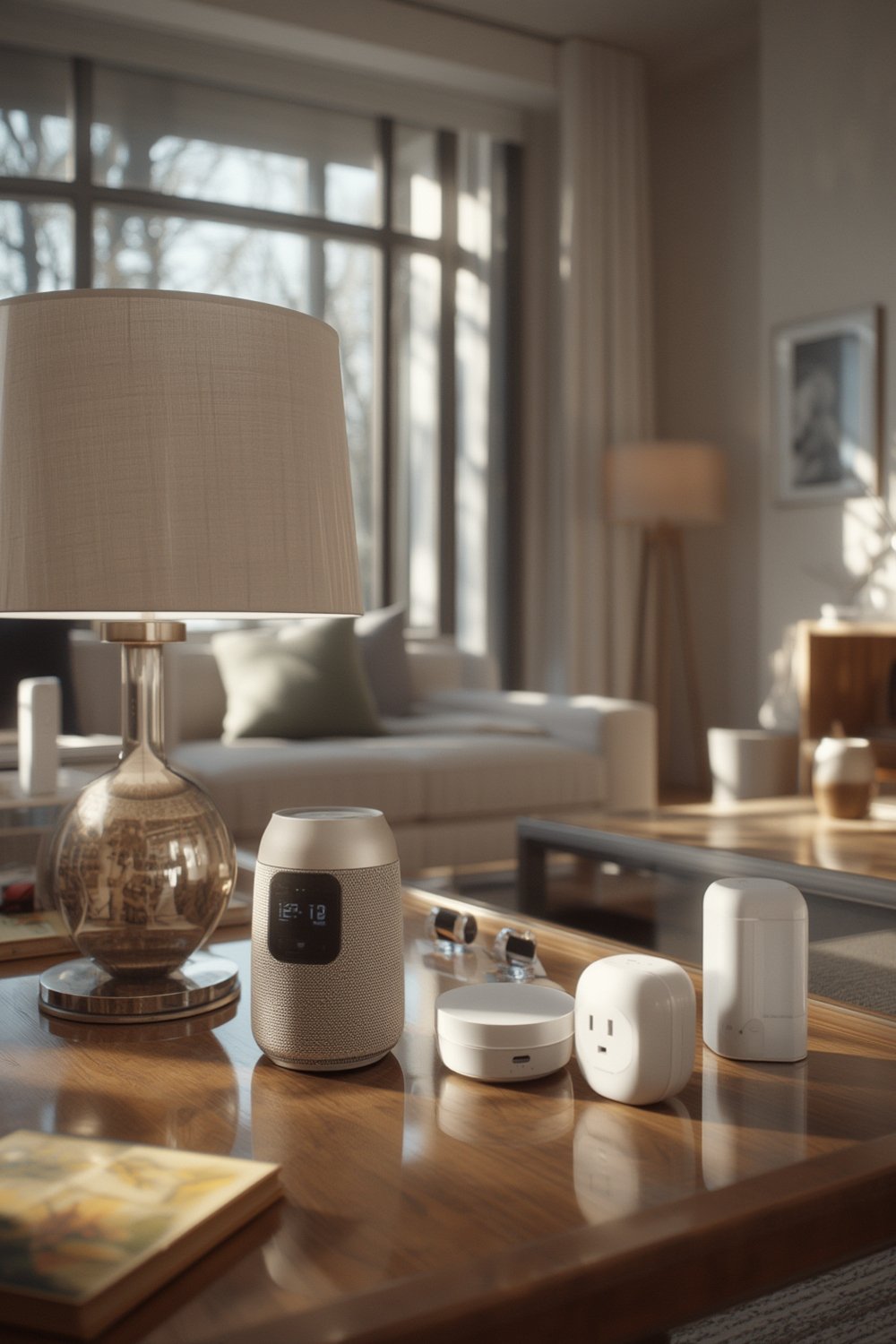
Why is this so important? Until now, every major smart home ecosystem (like Apple Home, Google Home, and SmartThings) often locked in devices or restricted features unless you stayed brand-loyal. With Matter, the goal is to use whatever device you want and control everything from any compatible app or hub. The Matter smart home standard device market is projected to grow by over 27% yearly through 2033, showing rapid adoption by manufacturers worldwide.
If you’re updating your home with a renovation or just picking your first smart bulb, understanding how Matter works and where it falls short is crucial for making the right investments. For homeowners planning major upgrades, our complete guide to home renovation covers integrating new tech and contractors—useful if you’re future-proofing your wiring and design for automation.
Step-by-Step Guide
Ready to upgrade to Matter or integrate it into your existing setup? Here’s a straightforward plan to maximize compatibility and avoid common headaches.
- Assess Your Existing Devices and Infrastructure
- Inventory your current smart home devices. Separate Zigbee, Z-Wave, WiFi, and proprietary products.
- Evaluate your home WiFi coverage and reliability—Matter leans heavily on solid networking.
- Choose a Primary Platform with Full Matter Support
- Pick a hub/app that already supports Matter, like Google Home (Nest Hub 2nd Gen+), Apple HomePod Mini, Amazon Echo (4th Gen+), or Samsung SmartThings V3/V4 (V3+).
- Update any existing app/hub firmware to the newest version.
- Upgrade to a Thread border router (if you want mesh connectivity)
- Buy a device that acts as a Thread border router (HomePod Mini, Nest Hub Max, most recent Eero or Google WiFi mesh routers).
- Placement matters: Put your border router in a central, elevated spot with minimal interference.
- Onboard New Matter Devices
- Scan the Matter code with your platform app, not the manufacturer’s proprietary app, for instant auto-configuration.
- Group devices, assign rooms, and build your automations either natively or via third-party platforms.
- Integrate Legacy Devices Carefully
- For devices that aren’t Matter-compatible, check if they can be added to your chosen platform via integration bridges (Hue, SmartThings).
- Beware: Some advanced automations or custom settings may be unavailable for legacy devices in a mixed environment.
- Test, Troubleshoot, and Document
- Test device response time, reliability, and app control on multiple accounts/devices.
- Update device firmware monthly; manufacturers are fixing Matter bugs frequently.
- Document your automation logic and device network in a spreadsheet for easy reference and future upgrades.
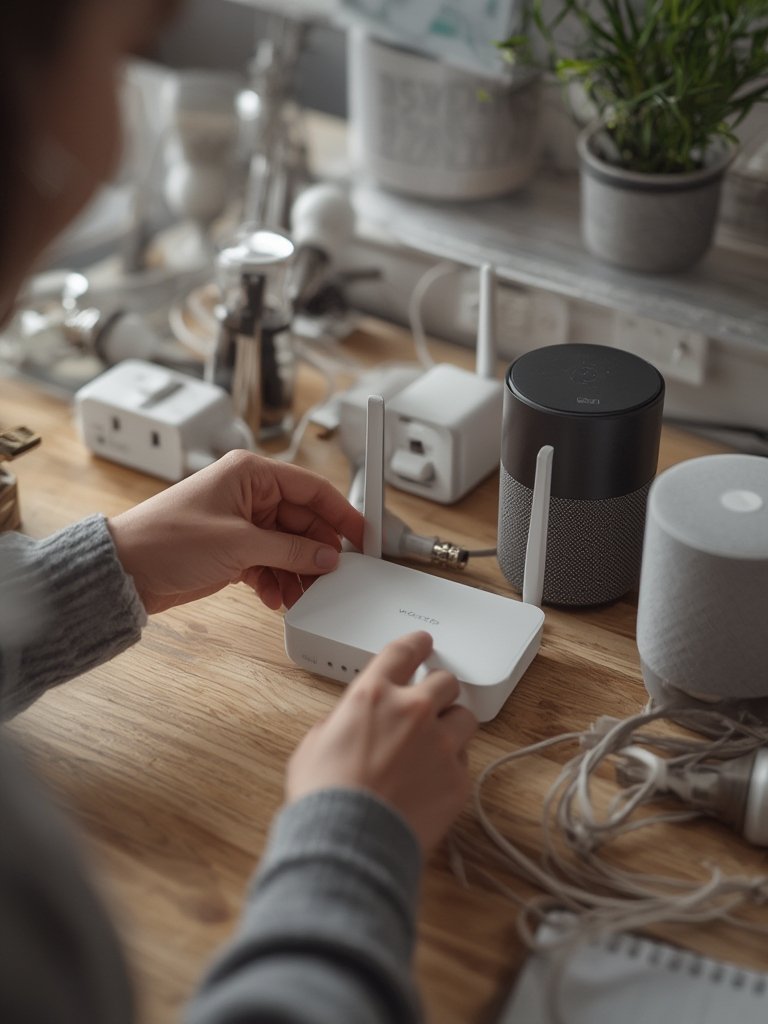
If you want hands-on ideas for smart upgrades—like energy-saving thermostats or lighting—check out our proven guide to smart thermostat installation costs and smart lighting system installation tips. These resources break down Matter-compatible options, budgeting, and avoiding installation mistakes.
Advanced Analysis & Common Pitfalls
While Matter smart home standard is speeding up device adoption, the reality is far from perfect. Here’s what the data and user experience reports reveal:
- Rapid Market Growth—but Poor Data Transparency: In 2024, global Matter device sales are estimated at $4.2 billion to $13.2 billion, growing to almost $70 billion by 2033 (20% to 27% CAGR). But, reliable stats on what percentage of new devices actually ship with Matter support are rare, so you must always verify before buying.
- Mixed Environments Equal Frustrating Setups: Combining Matter and legacy (non-Matter) devices often leads to lost features (scenes, advanced automations) and duplicated devices in apps. Expect to encounter device “fragmentation.”
- Platform Quirks: Each major platform (Apple, Google, Amazon, Samsung) implements Matter a bit differently. Some missing device types, delays in firmware updates, and inconsistent automation support are still common as of mid-2024.
- Thread Infrastructure Confusion: Few homeowners understand that Thread-enabled Matter devices work best with a Thread border router—usually built into modern hubs or mesh routers. Thread boosts reliability and mesh networking, especially for low-power items like sensors and thermostats, but not all current hubs include it.
- Cost Gaps & Certification Overhead: Manufacturing a single smart home device can cost $50-200, with up to $50,000 for design and certification fees, ultimately passed to consumers (Granite River Labs report). Expect prices of new hubs and devices to be higher until broader mainstream rollout drives competition down.
| Feature | Matter | Zigbee | Z-Wave | Proprietary Hubs |
|---|---|---|---|---|
| Universal Compatibility | High (Grows as brands adopt) | Medium (Needs specific hub) | Medium (Hub required) | Low (Brand/Model locked) |
| Device Onboarding Simplicity | Very High (QR pairing) | Moderate (App, hub pairing) | Moderate | Variable |
| Advanced Automation | Still Limited (2024) | Strong (with brand’s app) | Strong | Strong |
| Cost of Entry | Medium–High (New tech premium) | Low (if you already have hub) | Low–Medium | Low–High (Varies) |
| Future Proofing | Excellent (Growing rapidly) | Moderate | Poor–Moderate | Poor |
Want to avoid wasting time and money on dead-end upgrades? If you’re focused on energy savings and efficiency, see our top energy efficient home upgrades that align with future smart home standards like Matter. For those integrating smart locks or cameras, our home security system guide can help you steer clear of common security pitfalls.
Conclusion
The push toward Matter smart home standard is improving device compatibility and user experience, but there are still gaps—especially when mixing new and legacy tech or relying on advanced automation. If you’re planning major upgrades, carefully check device certification, consider your networking infrastructure, and expect some quirks. For all the convenience it brings, Matter smart home standard is best seen as an evolving solution, not a magic fix.
Ready to future-proof your home? Explore expert guides on EV charger installations or outdoor living makeovers and keep watching for new Matter-enabled innovations. Start now, and you’ll minimize obsolescence and maximize comfort long term.
FAQ
What devices support Matter smart home standard in 2024?
Most new smart lighting, plugs, sensors, thermostats, and some smart speakers from major brands—like Philips Hue (with hub), Google Nest, Apple HomePod Mini, and newer Amazon Echo—support Matter, but always check for official certification before purchase.
Can I mix Matter and non-Matter devices in the same matter smart home standard?
Yes, but mixing devices may mean limited automation, duplicate devices in apps, and sometimes loss of brand-specific advanced features. Integration bridges (like Hue or SmartThings) help, but results can vary widely.
Is Matter better than Zigbee or Z-Wave?
Matter smart home standard focuses on cross-platform, app-level compatibility and is designed for easier onboarding. Zigbee and Z-Wave offer mature, reliable mesh connections but are limited by specific hubs and less universal app access. Matter’s long-term promise is stronger, but support and reliability are still catching up to Zigbee/Z-Wave in 2024.
Do I need a Thread border router?
If you want reliable mesh networking for sensors, locks, or thermostats, a Thread border router is highly recommended. Devices like Apple HomePod Mini, some Eero and Google mesh routers, and Nest Hubs serve as Thread border routers. Not all WiFi routers or basic hubs include this feature.
Does Matter smart home standard cost more to set up?
Yes, Matter-certified devices and hubs often cost more upfront due to certification and early hardware costs. Prices are expected to drop as more brands get involved and economies of scale kick in, so early adopters pay a premium.