


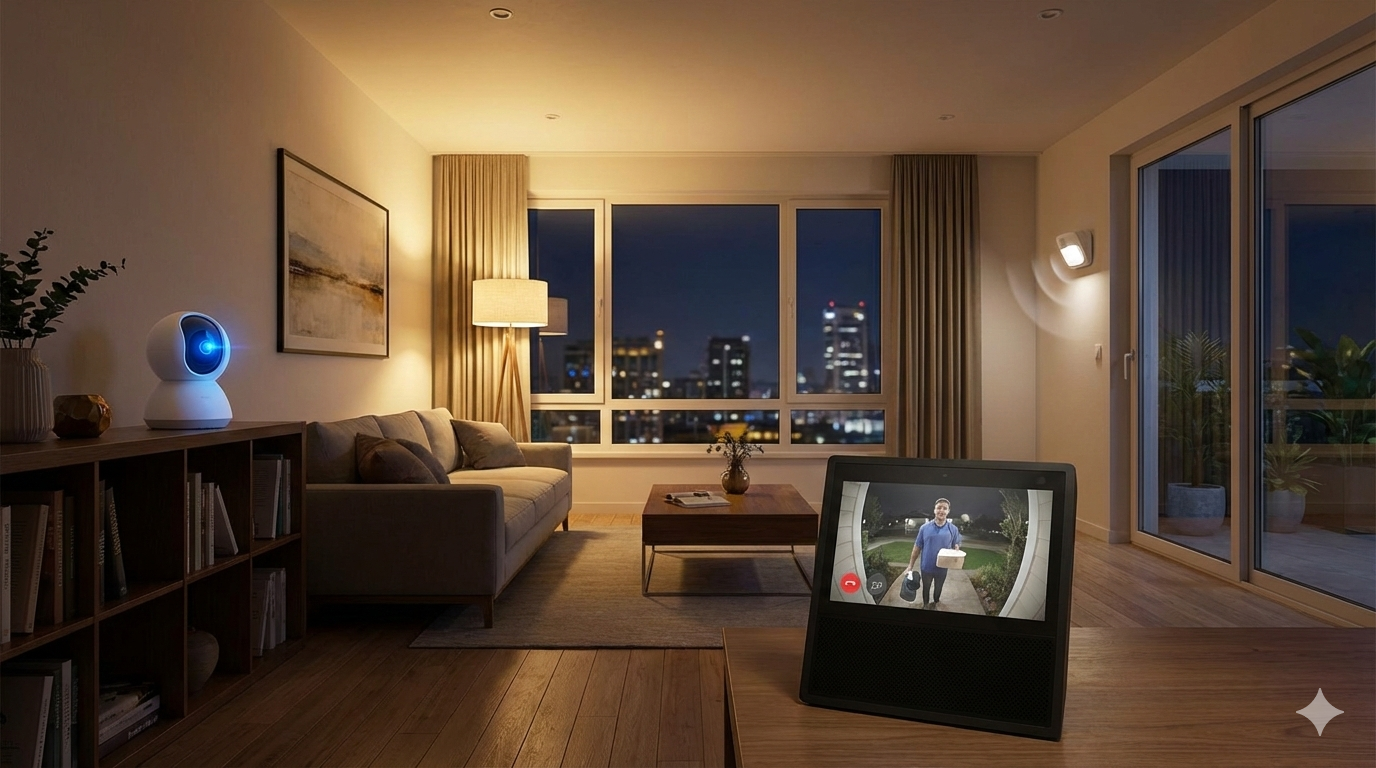
Smart home security system adoption is surging in 2024, with more homeowners choosing connected cameras, smart locks, and motion sensors to protect their property. But getting reliable and cost-effective home security isn’t as easy as it sounds. This guide breaks down what works, what doesn’t, and what real buyers need to know before taking the plunge.
Key Takeaways
- The smart home security system market is growing double digits, but setup challenges and hidden costs still trip up many homeowners.
- DIY smart security options can save money, but installation, connectivity, and remote monitoring require attention to detail.
- Today’s best smart systems balance wireless flexibility with realistic limitations in power, range, and privacy.
- What Is a Smart Home Security System and Why Choose One?
- How to Set Up a Smart Home Security System: Step-by-Step
- Advanced Analysis & Common Pitfalls
- Conclusion
- Frequently Asked Questions
What Is a Smart Home Security System and Why Choose One?
A smart home security system includes wireless cameras, sensors, keyless smart locks, video doorbells, and alarm controls connected via WiFi or other wireless protocols. These devices let you monitor activity remotely, receive instant alerts, and lock or unlock your doors from a phone — even when you’re not at home. Unlike traditional hardwired alarms, smart systems emphasize flexibility, phone integration, and automation.
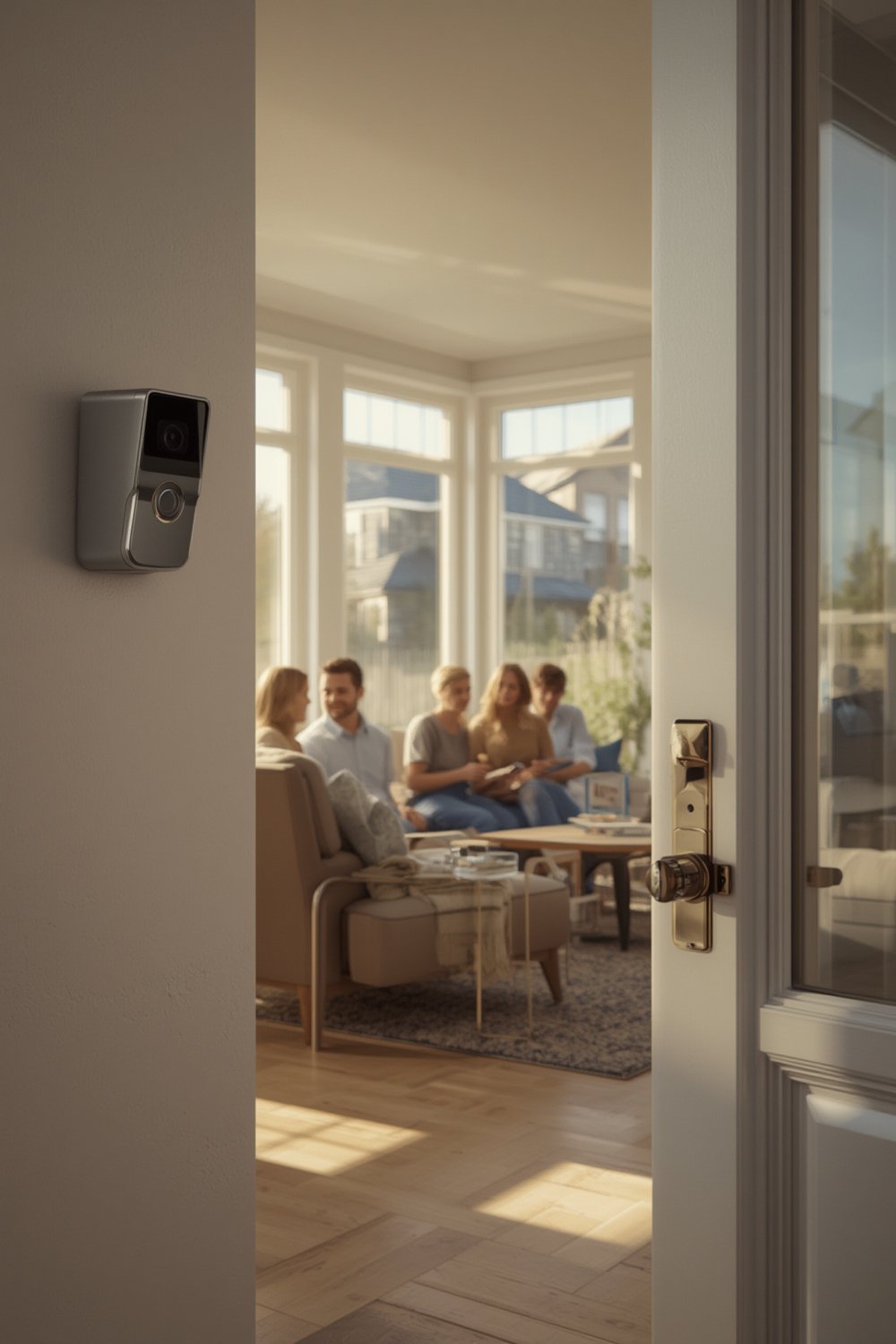
Adoption of smart home security systems is accelerating. The U.S. market reached $10.14 billion in 2024, and is expected to keep climbing at more than 13% CAGR through 2030 (Grand View Research). AI-powered features, voice controls, and real-time cloud monitoring drive purchasing decisions, especially among urban homeowners.
What’s the appeal? The ability to check your camera feed at any time, automate lighting, or get phone alerts about suspicious movement is powerful. For many, it’s peace of mind—and a way to keep up with modern home standards. See more on home automation in our Smart Lighting System Installation guide.
How to Set Up a Smart Home Security System: Step-by-Step
You do not need to be a tech expert to install a smart home security system, but you’ll save yourself headaches by following a structured plan. Here’s how:
- Define Your Security Needs. Determine which entry points need monitoring—doors, windows, driveway, backyard. List your must-haves: wireless cameras, video doorbell, smart locks, and motion-sensing lights. Want energy savings too? Check our Smart Thermostat Installation Cost guide for tips.
- Choose the Core Hub. Some systems run through a dedicated hub, while others use your WiFi router. Ensure all devices—cameras, locks, and sensors—are compatible with your preferred ecosystem (Google, Alexa, HomeKit).
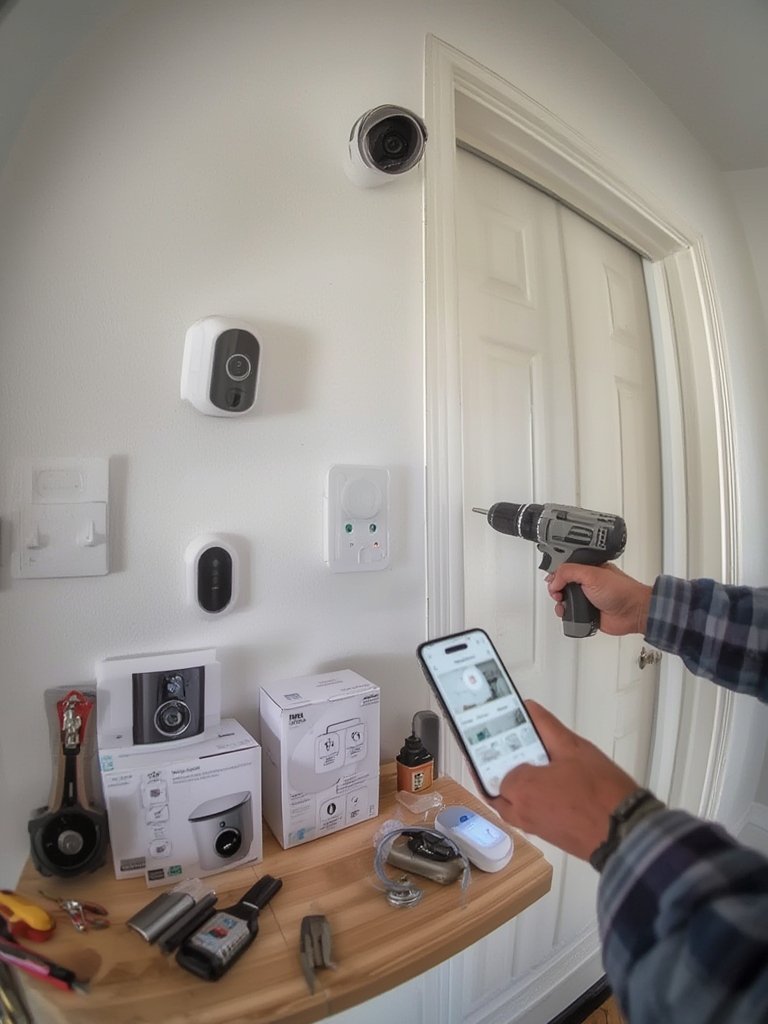
- Install Wireless Cameras and Doorbells. Start with locations that have the highest likelihood of unauthorized access. Mount cameras at a downward angle, covering the approach to your doors and around the perimeter. Video doorbells need a clear, low-glare view. Follow the provided app instructions for pairing and network setup.
- Add Smart Locks and Motion Sensor Lights. Swap standard deadbolts for smart locks (battery-powered and keyless) and set motion lights near entrances. Test all devices through the app for connectivity and response delays. If you’re doing a larger home improvement, our Complete Guide to Home Renovation covers security with remodels.
- Configure Automations and Alerts. Schedule your lights and notifications. Create automations such as automatically locking doors at night or turning on lights with detected movement. Regularly check software updates and test alerts to your phone.
- Back Up Footage and Review Privacy Settings. Decide if you’ll use local microSD cards, built-in storage, or a cloud plan. Review sharing permissions to ensure only trusted devices have access. Consider disabling unused voice integrations to harden privacy.
If you rent or want temporary upgrades, see our Renter Friendly Home Upgrades for solutions that don’t leave a mark or upset landlords. For outdoor placement and further weatherproofing, our guide on Outdoor Living Space Ideas has climate-smart tips that also boost security.
Advanced Analysis & Common Pitfalls
While the ease of DIY smart security is a major draw, it’s not without common pitfalls. Here are some realistic issues—and how to handle them.
- Connectivity Limits: Thick walls, WiFi dead spots, or interference from microwaves can cause cameras or sensors to drop offline, especially in larger or older homes.
- Battery Drain: Wireless cameras and smart locks depend on regular charging or battery changes. Extreme cold or high usage shortens battery life. Keep backup batteries and set reminders.
- False Alerts: Pets, passing cars, and fluctuating shadows can trigger motion alarms. Tuning sensitivity in the app helps, but some false positives persist. AI-powered motion detection is improving but is not perfect.
- Privacy Concerns: Cloud-connected cameras and locks can pose risks if accounts or devices are compromised. Use unique, strong passwords and enable two-factor authentication whenever possible.
- Real Cost vs. Budget: While DIY gear appears more affordable upfront, monthly cloud storage, premium notifications, or smart home hub subscriptions add up over time. Professional installs, while pricier, may offer warranties and support for troubleshooting setup headaches.
Market growth is strong: The global smart home security market is forecast to reach $145.54 billion by 2030 with wireless cameras leading adoption (Precedence Research), but technical barriers and privacy challenges are still top user-reported obstacles.
| Aspect | DIY Smart System | Professionally Installed System |
|---|---|---|
| Upfront Cost | Low to moderate; pay per device | High; bundled but includes install fees |
| Installation | Manual setup, more room for error | No hassle; tech verifies all connections |
| Flexibility | High (customizable, easily upgraded) | Medium (custom, but less DIY friendly) |
| Ongoing Fees | Optional (cloud storage, premium alerts) | Required (monitoring contracts) |
| Troubleshooting | DIY or support forums | On-call professional support |
| Privacy Control | More user managed, variable by brand | Vendor managed; may limit custom settings |
For home upgrades that maximize value without risk, don’t miss our Energy Efficient Home Upgrades—many create synergies with smart security systems.
Conclusion
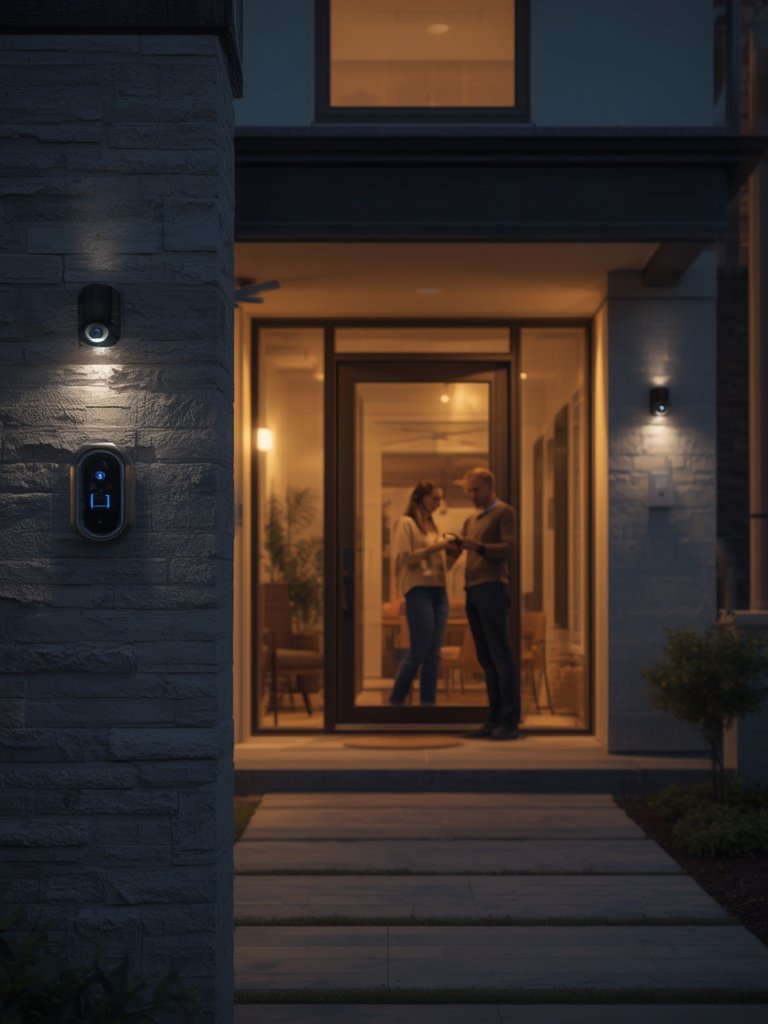
Smart home security systems offer a flexible, modern approach to protecting your property. The right setup combines cameras, smart locks, and sensors in a way that fits your budget and lifestyle. But smart security also comes with tradeoffs—battery upkeep, potential network hiccups, and privacy management all require regular attention. If you’re planning a broader home improvement, see how security fits into your complete renovation plan or explore other automated upgrades, like biophilic design for wellbeing.
Ready to take the next step in defending your property? Choose and install your smart home security system today for control and peace of mind.
Frequently Asked Questions
What is the difference between DIY and professionally installed smart security systems?
DIY smart security lets you buy, install, and configure devices yourself—providing flexibility and potentially lower costs. Professionally installed systems come with labor and ongoing monitoring fees, but typically offer easier setup and troubleshooting support.
How often should I replace batteries in wireless security devices?
Most wireless smart cameras and locks require new batteries every 3-12 months, depending on usage and weather conditions. Set calendar reminders, and always keep a spare set on hand to avoid sudden downtime.
Are smart home security cameras easy for hackers to access?
While rare, hacking is possible if you reuse passwords or ignore security updates. Use unique credentials, enable two-factor authentication, and keep device software up to date to minimize risks.
Does a smart home security system need professional monitoring?
No, most systems today let homeowners self-monitor through phone apps. However, some may choose a paid monitoring service for added peace of mind or insurance discounts.
What’s the average cost to install a smart home security system in 2024?
Comprehensive DIY packages with cameras, door sensors, smart locks, and lights generally start around $300-800, depending on device quality and features. Professional setups can run $1,000-2,500 including installation and one year of monitoring.
—