


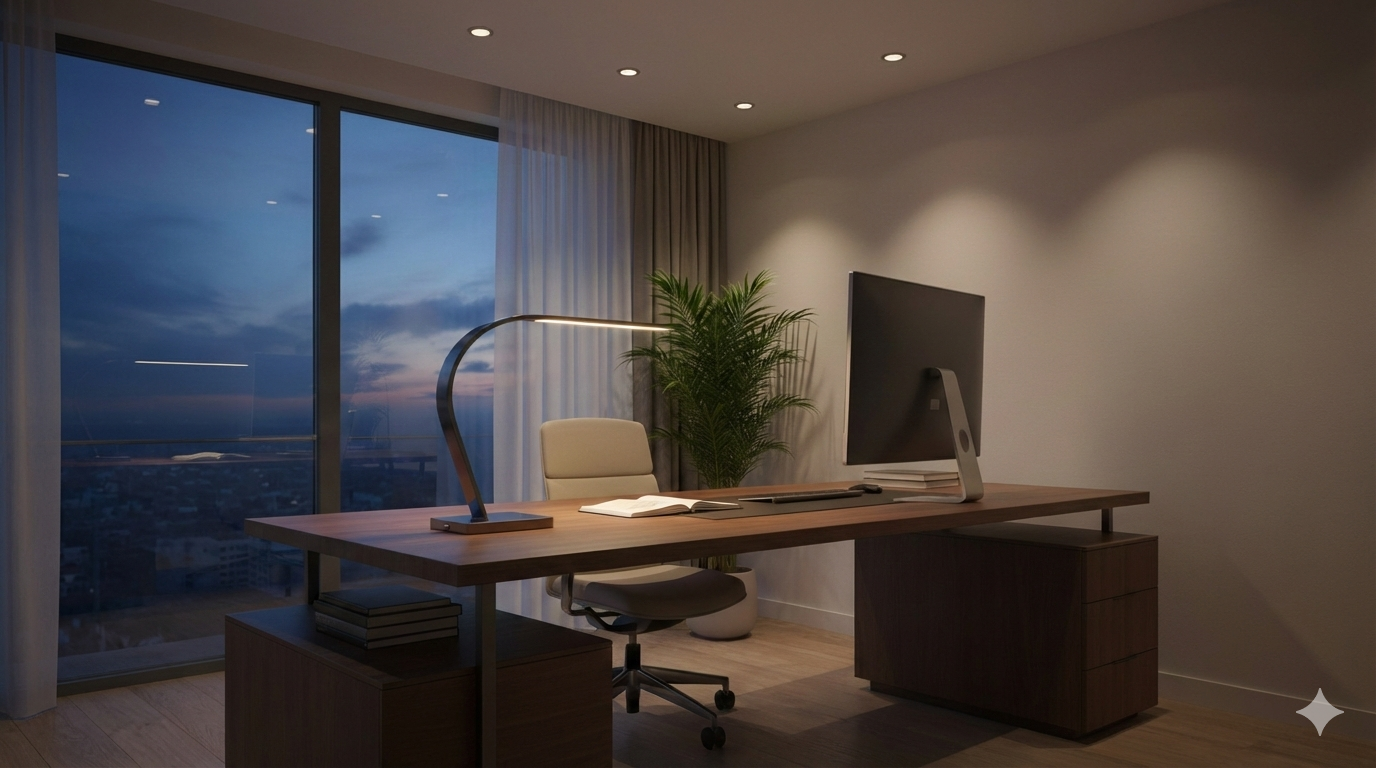
Home office lighting ideas can instantly upgrade your workspace, improve productivity, and reduce eye strain. Whether you’re tackling remote work, creative projects, or virtual meetings, the right lighting setup is critical for your comfort, health, and output.
Key Takeaways
- Layering different home office lighting ideas supports focus, reduces fatigue, and enhances mood throughout your workday.
- Prioritizing adjustable task lighting and optimizing natural light provide the best balance for productivity and well-being.
- Common mistakes—like overhead glare and the wrong bulb color temperature—can undermine your workspace, but quick fixes exist for any budget.
- The Core Concept: What Makes Great Home Office Lighting?
- Step-by-Step Guide: Creating the Perfect Home Office Lighting Setup
- Advanced Analysis & Common Pitfalls
- Conclusion: Take Action for Better Home Office Lighting
- FAQ: Home Office Lighting Ideas
The Core Concept: What Makes Great Home Office Lighting?
Good home office lighting ideas blend function and comfort. The goal is to create an environment that helps you stay focused without straining your eyes or causing headaches. For most people, this means combining:
- Ambient lighting for overall brightness and mood
- Task lighting for focused activities like reading or typing
- Accent lighting to reduce shadows, improve video call quality, and support aesthetics
Natural daylight is usually best for work and alertness, but few rooms offer ideal sunlight at all hours. That’s why layering lighting with adjustable fixtures—like smart desk lamps, dimmable overhead lights, and LED strips—is key. If you want to take your setup further, consider systems that support circadian rhythms to sync your body’s clock and energy flow. For trends in smart lighting systems and biophilic design, see our detailed guide on smart lighting system installation and biophilic design home.
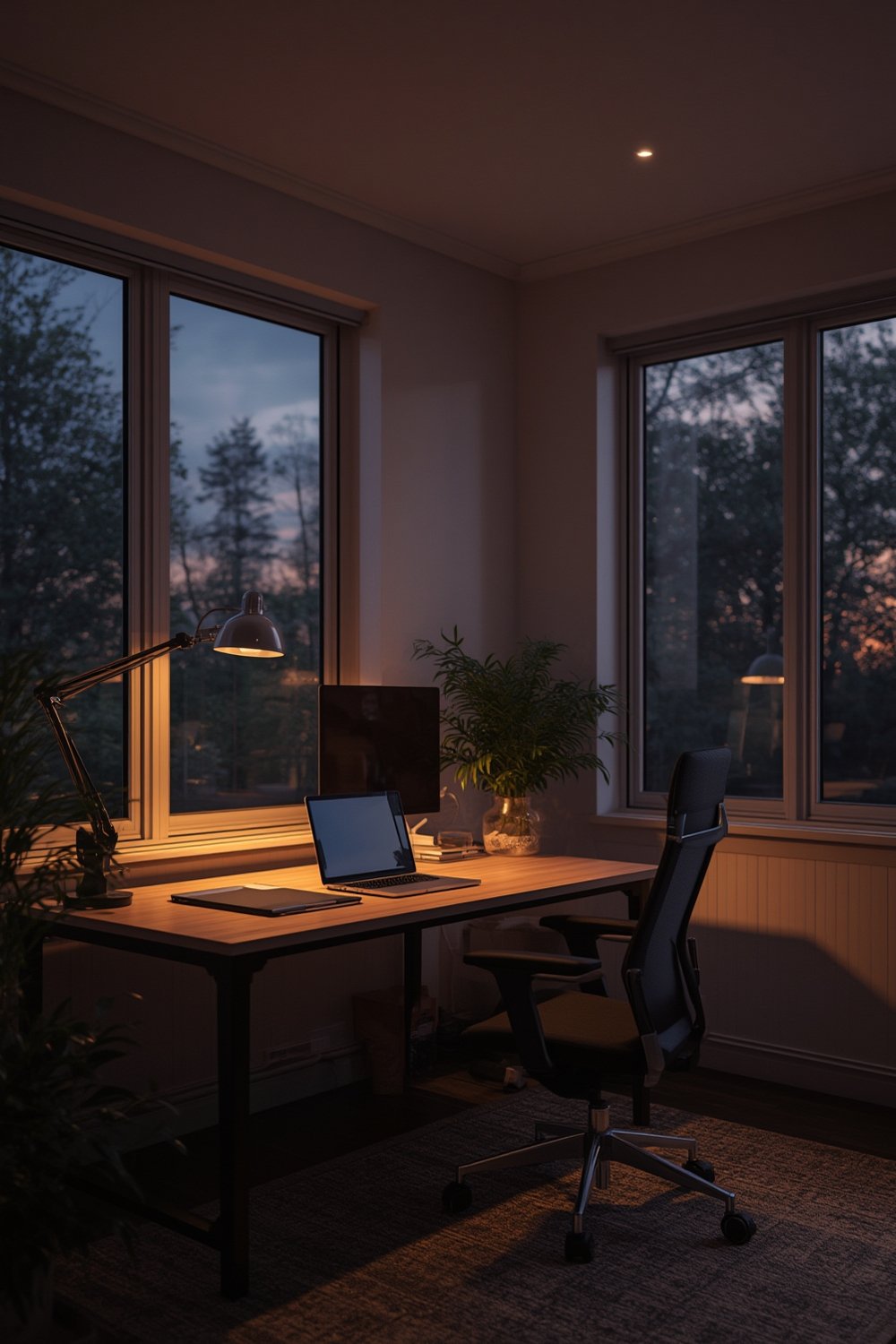
Step-by-Step Guide: Creating the Perfect Home Office Lighting Setup
Follow these steps to transform your home office lighting ideas from basic to brilliant:
- Assess your workspace layout. Identify where shadows fall, which directions you face during work and video calls, and natural light patterns throughout the day.
- Add layered lighting:
- Install a soft, overhead ambient light, preferably dimmable.
- Position a desk lamp with flexible brightness and angle to avoid direct glare on screens.
- Consider accent lights or LED strips behind your monitor for extra depth along walls and shelves.
- Upgrade bulb type and color temperature:
- Daylight (5000-6500K) bulbs mimic sunlight for alertness.
- Choose LEDs for low energy use and precise color consistency. See our guide to energy efficient home upgrades for more.
- smart bulbs support automatic schedule adjustments and remote dimming.
- Control glare and reflections:
- Angle lights to avoid hotspots on monitors and glossy surfaces.
- Add adjustable shades, diffusers, or blackout curtains to manage sunlight as needed.
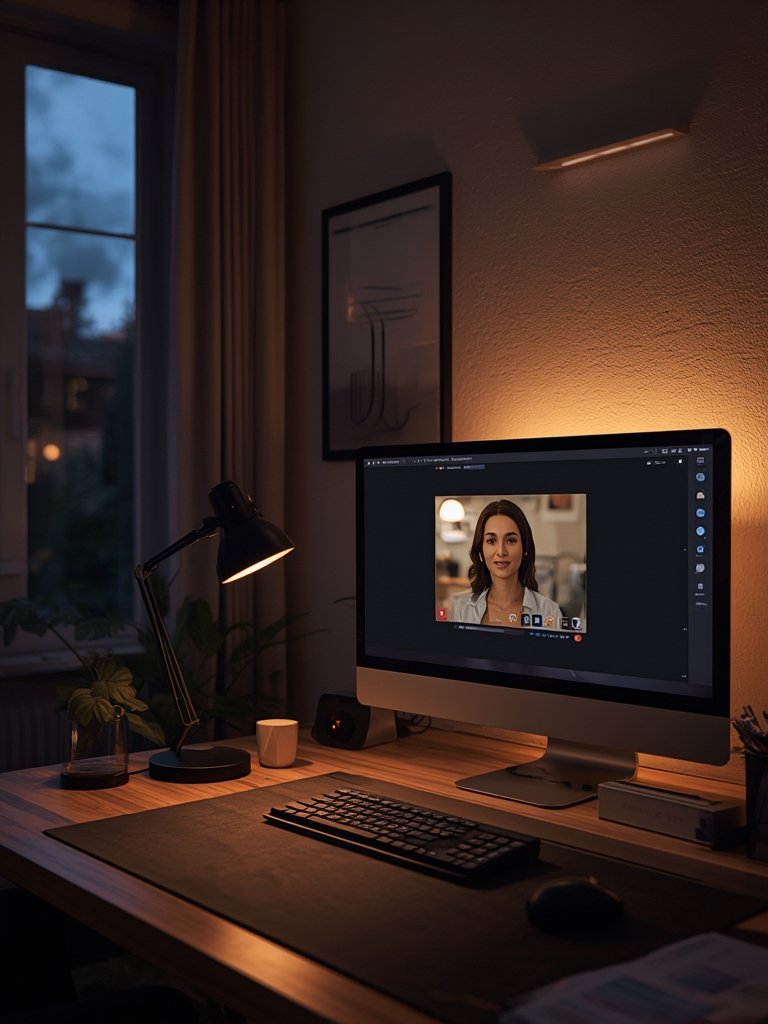
- Personalize for video calls:
- Place lights at face level, off to the sides, for a flattering and balanced appearance.
- Consider ring lights or softbox LEDs for consistent color and lower shadows during meetings.
A practical lighting setup doesn’t demand huge investment. Starter smart desk lamps now start around $25, and you can find advanced ergonomic models with auto-dimming features from $80 to $150 in 2024. For step-by-step guidance on cost-efficient renovation, see our complete guide to home renovation.
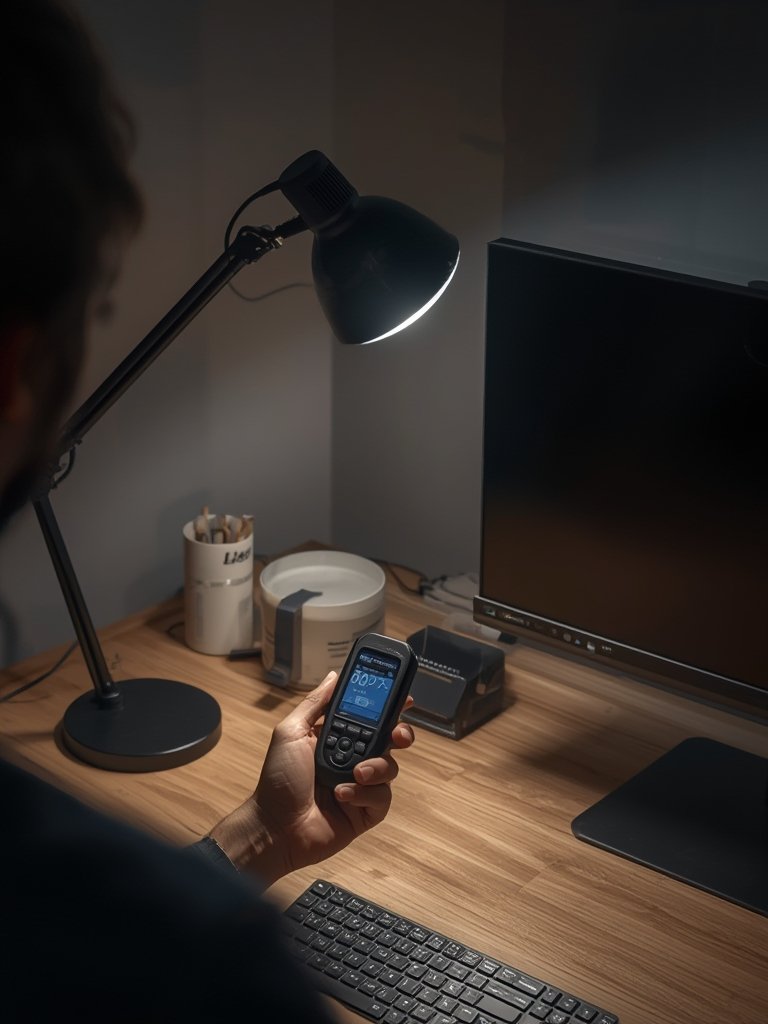
Don’t neglect aesthetics: combine natural elements like desk plants, wood textures, or stone lamps for a calming, grounded feel. Learn more about bringing wellness into workspaces in our biophilic design home guide. Look for opportunities to integrate smart home automation, especially if you already use devices like Alexa or Google Home. This can smooth out your daily routines and support energy savings as seen in recent trends (smart thermostat installation cost).
Advanced Analysis & Common Pitfalls
home office lighting ideas can be surprisingly complex. Here’s what most guides overlook and the problems real users encounter:
- Poor positioning: Overhead-only lighting creates unflattering shadows in video calls and increases eye fatigue.
- Wrong color temperature: Warm bulbs (2700K-3000K) may feel cozy but cause afternoon drowsiness; daylight bulbs promote focus.
- Inflexible fixtures: Static lamps are hard to align as your desk setup or posture changes. Adjustable arms and dimmers solve this.
- Screen glare and reflections: Monitors near windows or under spotlights can cause eye strain and reduce visibility.
- Ignoring circadian rhythms: Some luminaires disrupt natural sleep/wake patterns if not synchronized with daylight cycles, especially in windowless rooms.
Still unsure if you’re getting it right? Here’s a practical comparison of home office lighting ideas solutions:
| Lighting Type | Pros | Cons | Ideal For | Quick Tips |
|---|---|---|---|---|
| Natural Daylight | Best for health; no running cost | Variable intensity; can cause glare; unavailable at night | Desks near windows | Use diffusing curtains to soften light |
| Desk Lamp (LED, Adjustable) | Customizable; focused beam; low power | Limited reach; clutter if poorly placed | Close-up tasks; reading; multi-person spaces | Look for flicker-free, adjustable arms |
| Overhead Fixture (Dimmable LED or Pendant) | General ambient lighting; out of the way | May cast shadows on desk or face | All-day background light | Pair with task lights for best results |
| Accent/Decorative Lighting | Improves ambiance; reduces harsh contrast | Minor effect on tasks; may add clutter | Video backgrounds; creative work | Try LED strips or smart bulbs |
| Ring Light/Softbox (for Video Calls) | Even face illumination; professional look | Bulky; visible on desk; cost varies | Frequent meetings, recording content | Clip-on USB models are affordable |
Market research shows that users often underestimate how much lighting impacts productivity. On user review platforms, complaints about eye strain, distracting reflections, and “washed out” video calls regularly appear. If you plan to future-proof your home, integrating smart home upgrades can help avoid these issues, while also supporting better energy use and automation workflows with systems like Matter (learn about the Matter smart home standard).
Conclusion: Take Action for Better Home Office Lighting
The right home office lighting ideas make a measurable difference in comfort, productivity, and video call professionalism. Small changes—like switching bulbs, adding smart controls, or realigning your desk—pay big dividends quickly. Start with one improvement this week and notice the impact on your daily focus and well-being. For deeper transformations, explore our renovation, DIY flooring, and smart home resources. Better lighting starts now—make your workspace work for you!
FAQ: Home Office Lighting Ideas
What is the best type of light bulb for a home office?
Look for LED bulbs with a color temperature between 4000K and 6500K (“daylight” or “cool white”). These boost focus and render colors accurately. LEDs are energy efficient and last much longer than traditional incandescent or CFL bulbs.
How can I reduce eye strain while working from home?
Layer your lighting: combine diffuse ambient lights with bright, adjustable task lights. Avoid direct glare on screens and use dimmable bulbs or smart controls to match natural light throughout the day. Take regular breaks from looking at screens, too.
Are smart lighting systems worth the investment for home offices?
Yes—smart lights offer flexible schedules, tunable color, and voice or app control. They help you adjust easily for changes in daylight, shift work, or hybrid routines. For more on the benefits and setup process, visit our guide to smart lighting system installation.
What’s the ideal lighting setup for video calls?
Use a combination of side-facing desk lamps and a front-facing ring light or soft LED. This reduces shadows and keeps your face evenly lit. Avoid strong lights directly above or behind, which can create unflattering shadows or camera washout.
How much does it cost to upgrade home office lighting ideas in 2024?
Basic upgrades (LED bulbs, stick-on lights) start around $20–$50. Mid-tier smart desk lamps and task lights range $80–$150. Adding overhead fixtures or smart automation can run $150–$400+ depending on the complexity and brand.