
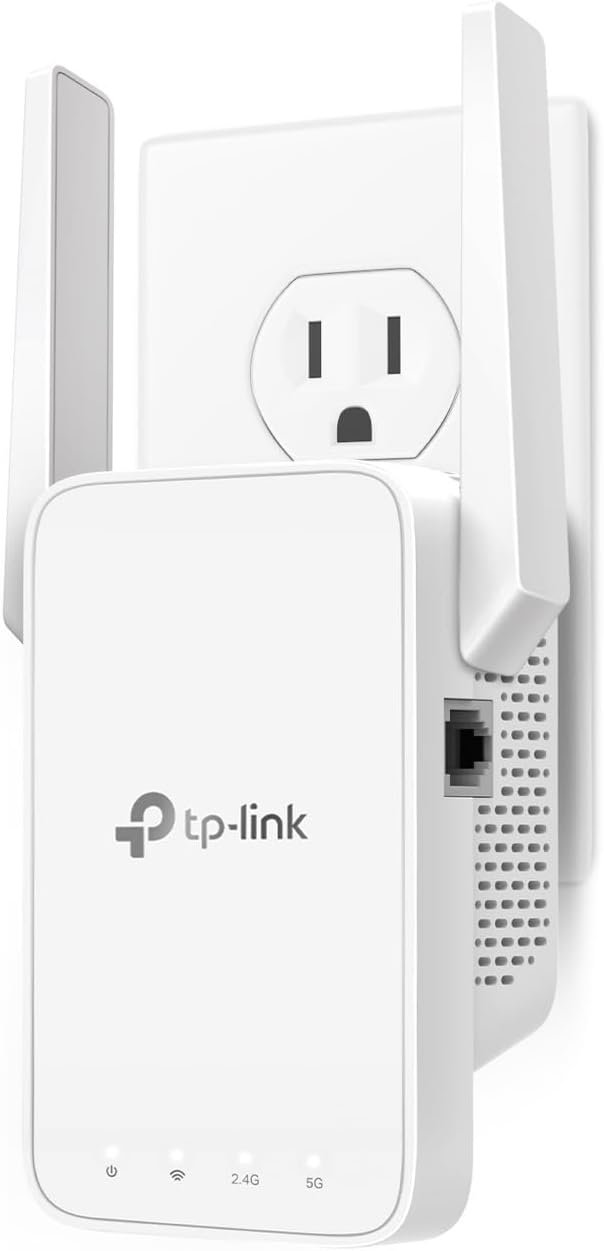
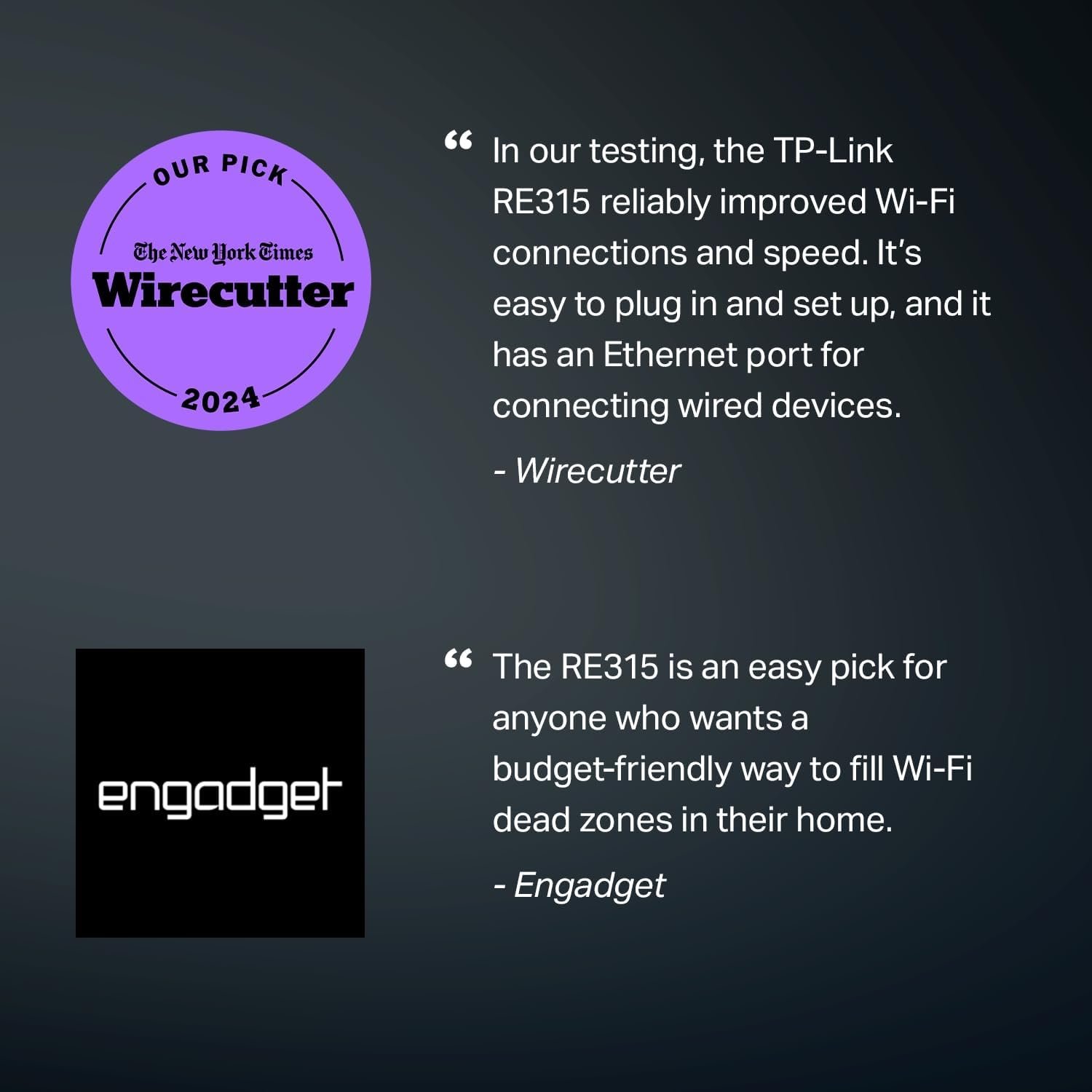
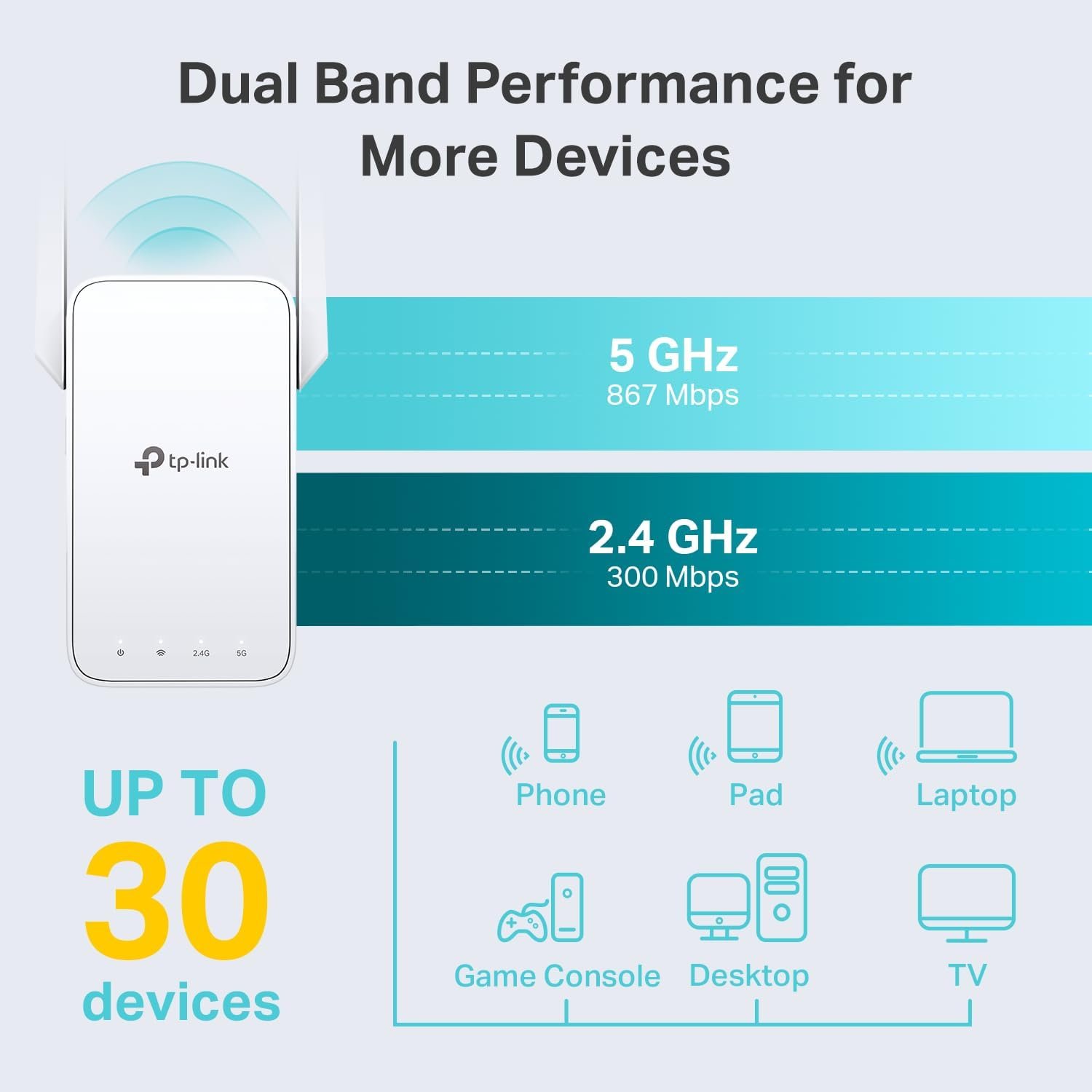
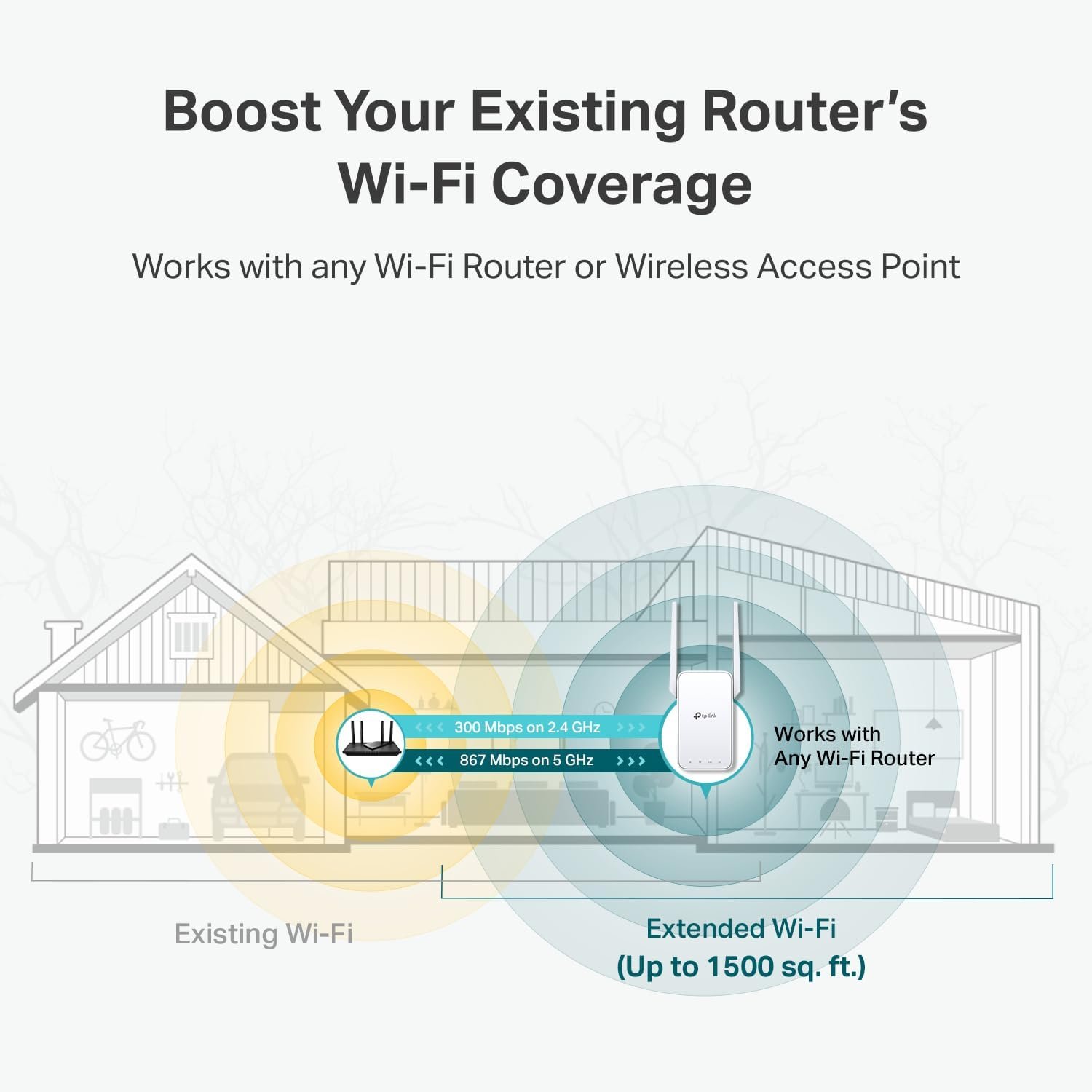

TP-Link's AC1200 WiFi Extender boosts wireless coverage and connects up to 30 devices, helping eliminate dead zones with dual-band support and an easy setup. Ideal for improving home internet reliability, it features an Ethernet port and OneMesh compatibility for added flexibility. While it excels at value and coverage, users should be aware of potential occasional connection drops.
The TP Link WiFi Extender is a practical and affordable solution designed to eliminate weak WiFi zones and extend wireless coverage throughout your home. If you experience slow speeds, dropped connections, or dead spots in certain rooms, this device helps rebroadcast your existing signal to areas where WiFi struggles to reach.
Built for everyday home users, the TP Link WiFi Extender focuses on simplicity, solid performance, and flexible configuration. It is well suited for medium to large homes where multiple devices depend on stable wireless access.
Table of Contents
What Is a TP Link WiFi Extender?
A TP Link WiFi Extender works by receiving your current WiFi signal and rebroadcasting it to areas where the signal is weak or unavailable. It connects wirelessly to your router and acts as a bridge between the router and distant devices.
This type of device is especially useful in:
Medium to large homes
Multi-floor houses
Homes with thick walls
Apartments with distant rooms
Instead of investing in a new router, a TP Link WiFi Extender offers a cost-effective way to improve coverage.
Dual-Band Technology for Better Performance
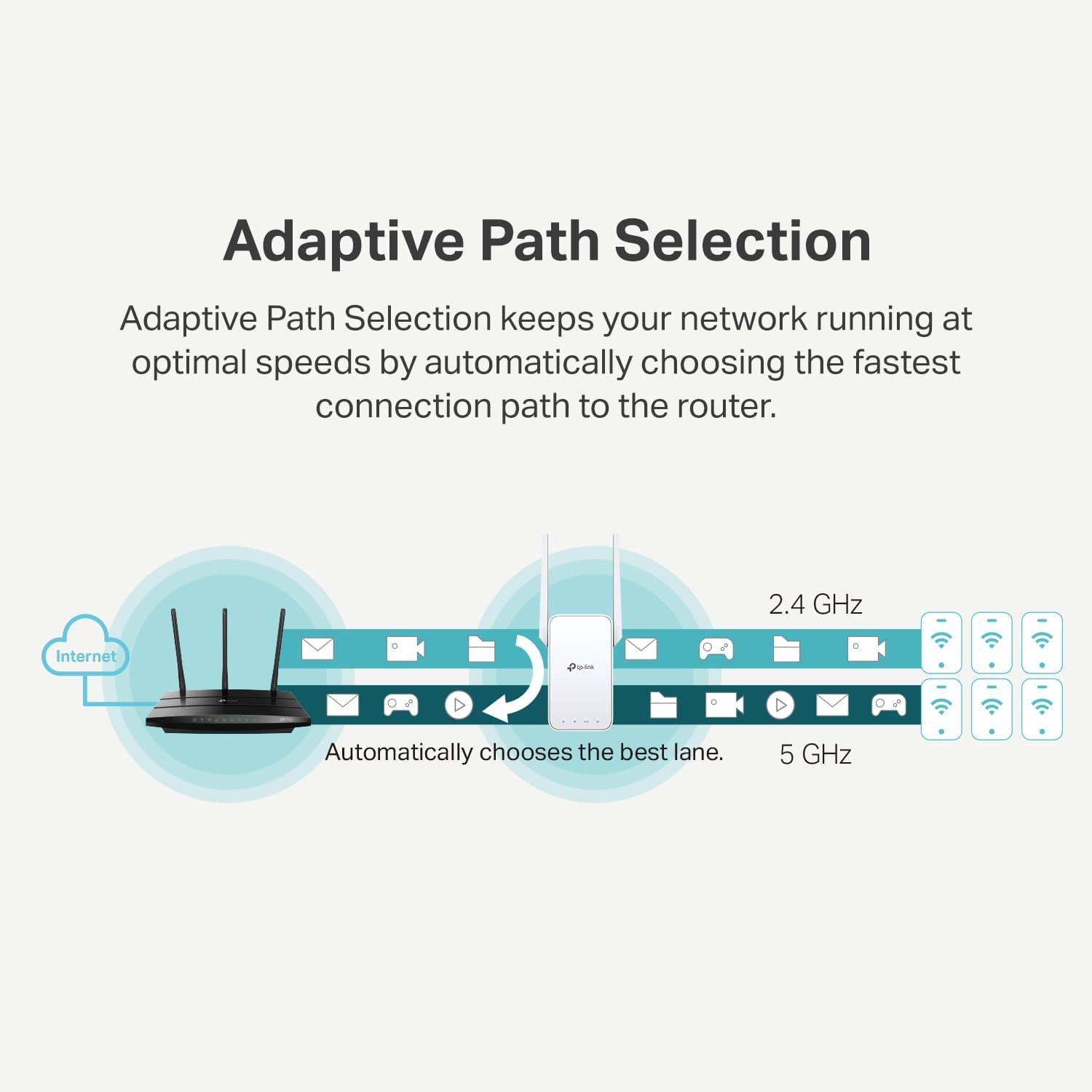
One of the key advantages of the TP Link WiFi Extender is its dual-band support. It operates on both the 2.4GHz and 5GHz frequency bands, allowing it to balance range and speed efficiently.
2.4GHz Band Coverage
Longer signal range
Better wall penetration
Ideal for browsing, emails, and smart home devices
5GHz Band Speed Benefits
Faster data speeds
Less interference
Better for streaming, video calls, and online gaming
By supporting both bands, the TP Link WiFi Extender ensures stable connectivity for a wide range of activities.
Easy Setup for All Users
The TP Link WiFi Extender is designed with simplicity in mind. Even users with little technical experience can set it up quickly.
Common setup methods include:
One-touch WPS pairing
TP-Link Tether mobile app
Web-based setup through a browser
Most users can complete the setup in just a few minutes, making it ideal for renters and homeowners alike.
Coverage Expansion and Device Support
A major benefit of using a TP Link WiFi Extender is the noticeable improvement in coverage. Once installed, it helps extend WiFi to areas that previously suffered from weak or unstable connections.
Key coverage benefits include:
Reduced WiFi dead zones
Stronger signal in distant rooms
More consistent connectivity
The extender supports multiple devices at the same time, making it suitable for households with smartphones, laptops, smart TVs, and smart home devices.
OneMesh Compatibility for Seamless Roaming
The TP Link WiFi Extender supports OneMesh technology when paired with compatible TP-Link routers. This creates a unified WiFi network throughout the home.
Benefits of OneMesh include:
A single WiFi name (SSID)
Seamless roaming between rooms
No need to manually switch networks
This feature improves user experience, especially in larger homes.
Ethernet Port and Access Point Mode
Another advantage of the TP Link WiFi Extender is the built-in Ethernet port. This allows users to connect wired devices directly to the extender.
You can use the Ethernet port to:
Connect desktop computers
Improve stability for smart TVs
Use the extender as a wired access point
This flexibility makes the TP Link WiFi Extender more versatile than many basic models.
Real-World Performance and Stability
In everyday use, the TP Link WiFi Extender delivers solid performance for its price range. Most users report improved signal strength and better overall coverage throughout their homes.
Common positive feedback includes:
Strong signal extension
Reliable browsing and streaming
Easy daily operation
However, some users experience occasional drops in connection stability, especially during high-demand tasks such as video conferencing or online gaming. For most typical home usage, these interruptions are minor.
App-Based Management: Pros and Cons
The TP-Link Tether app allows users to:
Monitor signal strength
Manage extender settings
Perform firmware updates
While the app simplifies management, some users prefer minimal setup and may find account creation slightly inconvenient. This is a small trade-off for the added control and visibility.
Security and Network Protection
The TP Link WiFi Extender supports standard wireless security protocols to help protect your network. While it does not offer advanced enterprise-level features, it provides sufficient protection for everyday home use.
Who Should Buy a TP Link WiFi Extender?
This product is ideal for:
Families with multiple connected devices
Home users experiencing WiFi dead zones
Renters who cannot change their router
Users looking for an affordable WiFi boost
If you need better coverage without replacing your existing setup, the TP Link WiFi Extender is a smart choice.
Who Might Want a Different Solution?
You may want to consider other options if:
You require perfectly stable, uninterrupted connections
You rely heavily on professional gaming or streaming
You prefer systems without app-based configuration
In such cases, a mesh WiFi system or higher-end extender may be more suitable.
Final Verdict: Is the TP Link WiFi Extender Worth It?
The TP Link WiFi Extender offers an effective and affordable way to improve wireless coverage in medium to large homes. With dual-band support, OneMesh compatibility, and a built-in Ethernet port, it delivers strong value for everyday users who want better WiFi without replacing their existing router. While occasional stability drops may occur during high-demand activities, these are generally minor for typical browsing, streaming, and smart-home use. Overall, the extender is easy to set up, simple to manage, and flexible enough for most household needs. For users struggling with WiFi dead zones, weak signals, or inconsistent coverage, the TP Link WiFi Extender provides a practical, budget-friendly upgrade that noticeably improves home connectivity and overall online experience.
Learn more about TP Link WiFi Extender in TP-Link
See more product reviews here